Launch offer: 50% off your first 6 months.

The platform

One system. Every batch. Every audit.

Tray covers every step a food operation actually needs: receiving, lot tracking, recipes, BOMs, kitchen sheets, fulfillment, and reporting. All without the bloat of a generic ERP.

Lot-level traceability

Every receipt creates a lot. Every BOM consumes one. Every shipment ties back. Forward and backward trace in seconds, not days.

Learn more

Allergen control

15 allergen types tracked at SKU and lot level. Automatic flags on production lines, kitchen sheets, and labels. No more “we forgot the sesame”.

Learn more

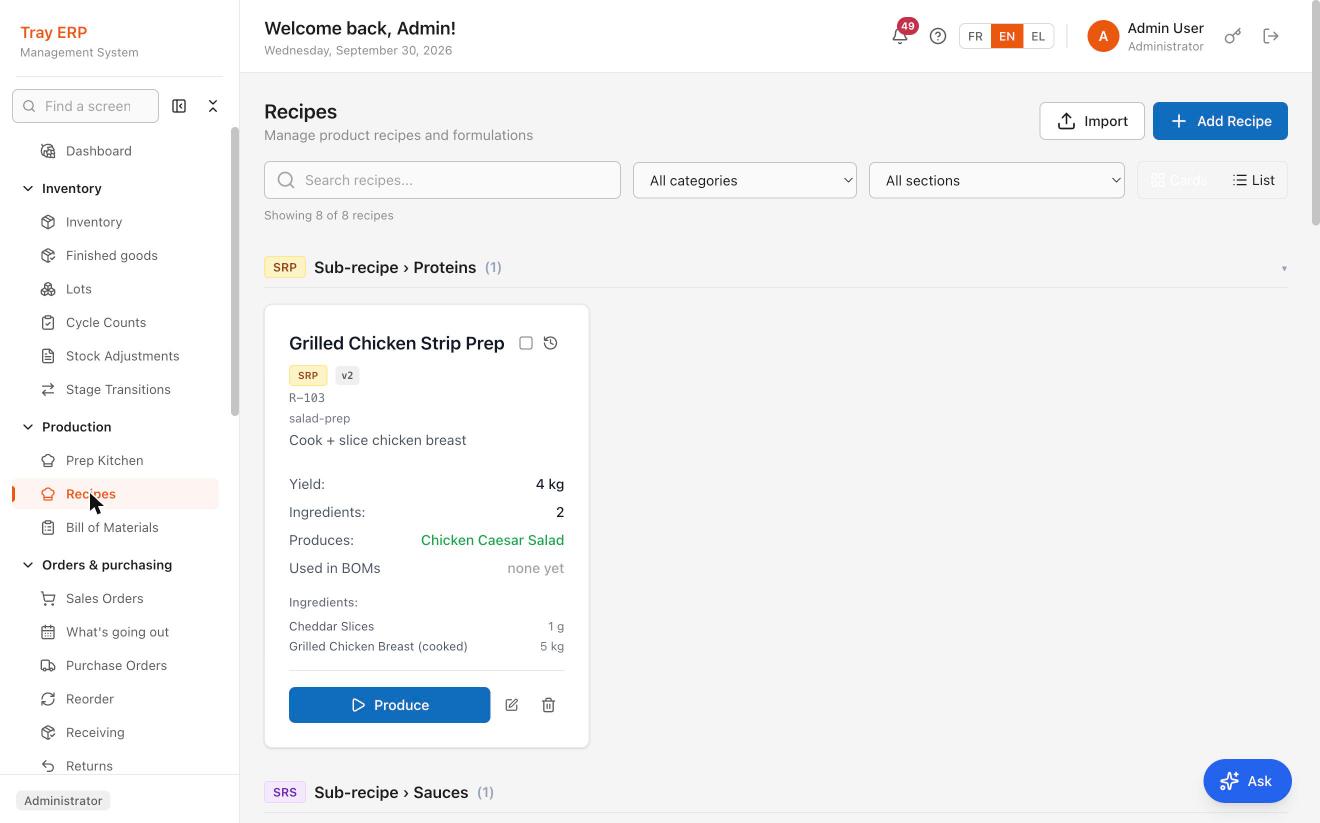
Recipe-driven BOMs

Build a recipe once. Scale to any batch. Auto-generate BOMs, kitchen sheets, and material picks. Inventory deducts itself.

Learn more

Receiving & QC

Trailer temps, BOL, supplier lots, line-item QC status. Catch quality problems at the dock before they become recalls in the field.

Learn more

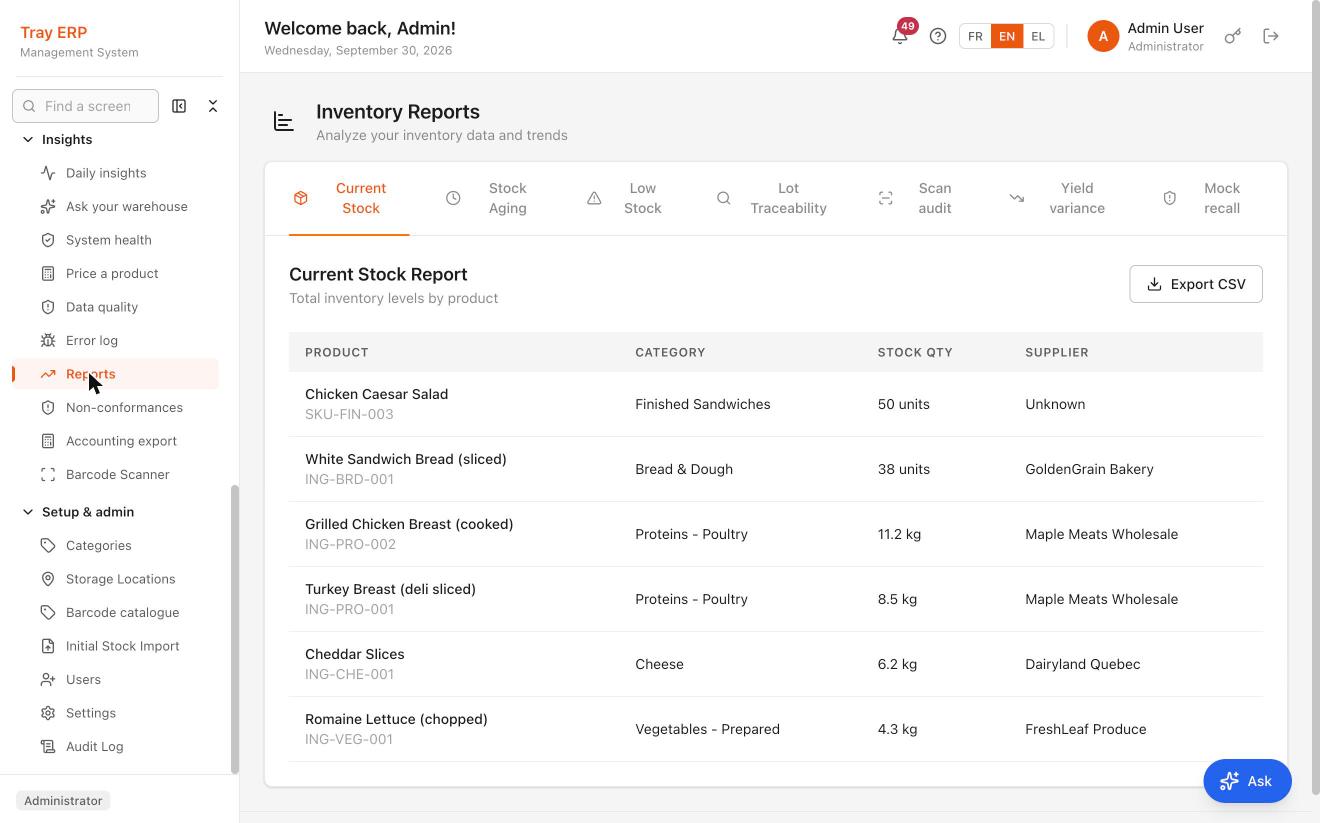
Audit-ready reports

Stock, aging, lot trace, low stock, full audit log. The reports inspectors actually ask for, exportable in one click.

Learn more

Barcode-native

Camera-based scanning on the plant floor. Receive, pick, and ship by scan. Fewer errors, less typing, faster cycles.

Learn more

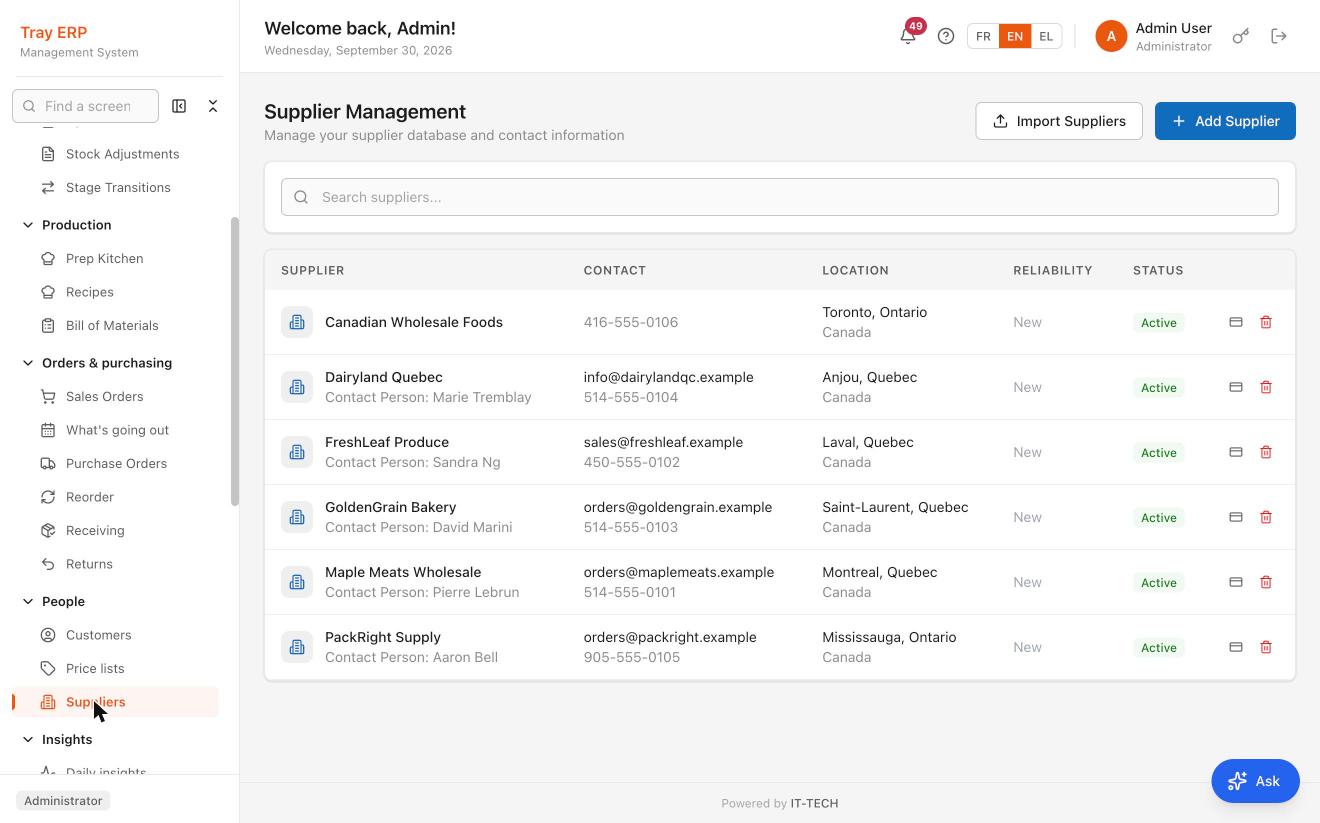
Supplier scorecards

On-time rate, fill rate, and average lead time scored for every supplier from your real receiving history. Buy from the vendors who actually deliver.

Learn more

Document automation

Email purchase orders and documents straight to suppliers with the PDF attached, sent through your own Microsoft 365 or SMTP. No exporting, no copy-paste.

Learn more

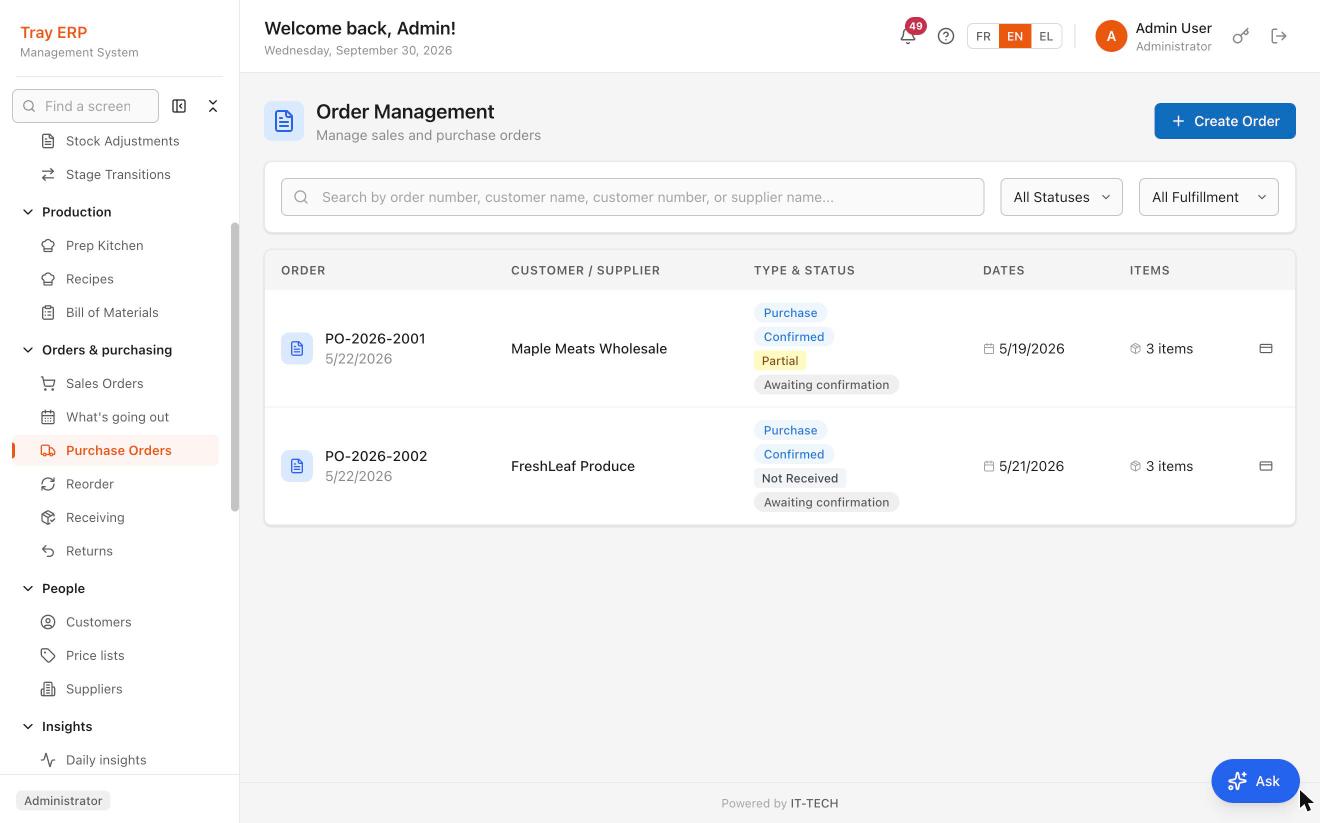
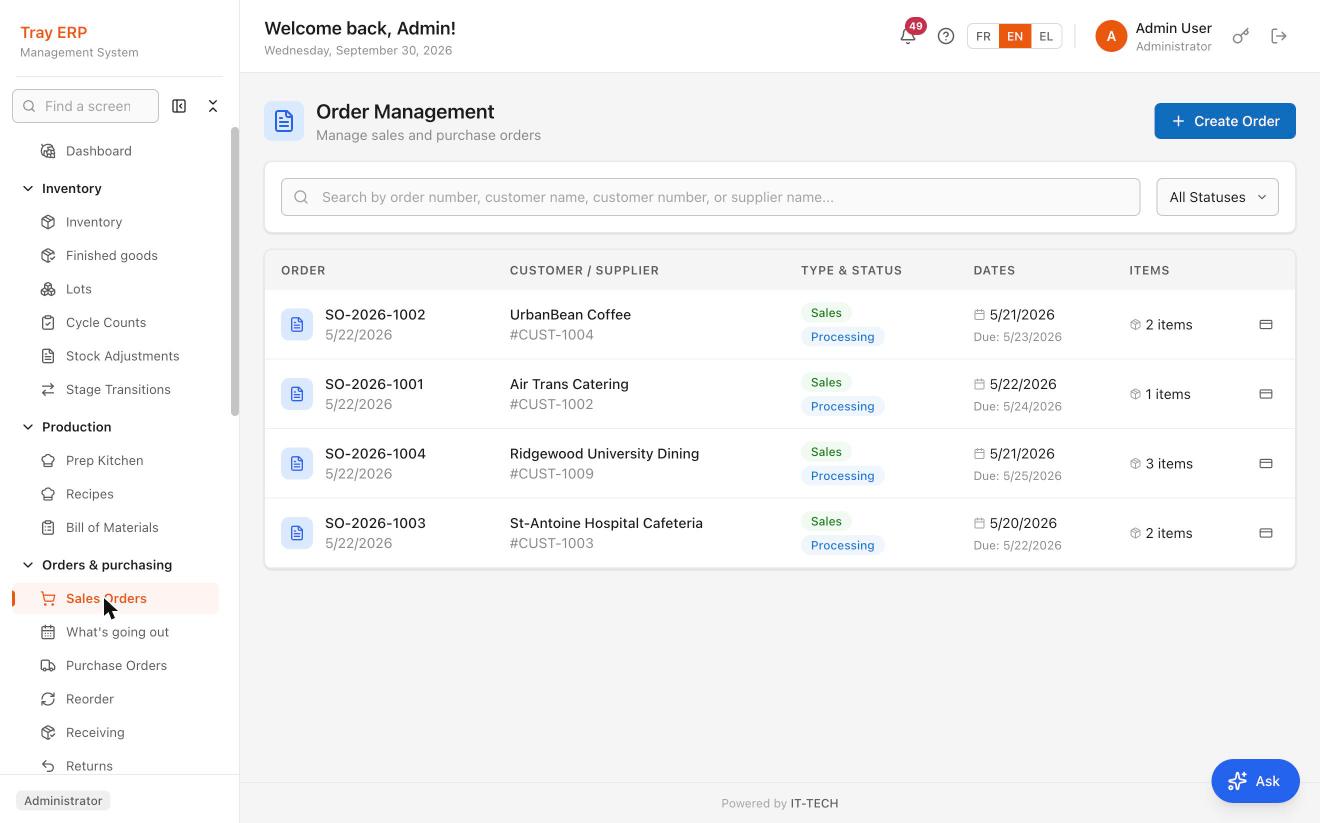
Order-to-production

A customer purchase order turns into a planned production run, with recipes, quantities, and material picks ready to go. From order to the kitchen floor in one step.

Learn more

Guided inventory onboarding

Go live without manual data entry: import your stock from a spreadsheet, print dated lot stickers, and scan to verify every pallet on the floor.

Learn more

Customer-ready invoicing

Invoice templates per customer, with their PO number, payment terms and GST/QST shown separately as Revenu Québec requires. Tray warns you before sending one that would be rejected, and never invoices a customer who self-bills.

Learn more

Guided pick & ship

The screen names the exact lot to scan (product, lot number, location, expiry and how many units are left), following FEFO automatically. If a line has no stock, it says which one and why, instead of a button that will not click.

Learn more
14d
Average time to go-live
2.3s
Lot-to-shipment trace lookup
98%
Reduction in audit prep time
15
Allergens tracked natively

Walk through the platform

A workflow for every part of your plant.

Inventory module

Know what you have. Where. And when it expires.

SKU-level visibility with lot, location, and expiry, plus reorder thresholds that trigger automatic alerts when stock falls below safety levels.

  • 10 units of measure (kg, g, lbs, oz, L, ml…)
  • Multi-location stock with lot binding
  • Expiry alerts at 30 / 90 days
  • Bulk import from CSV / Excel
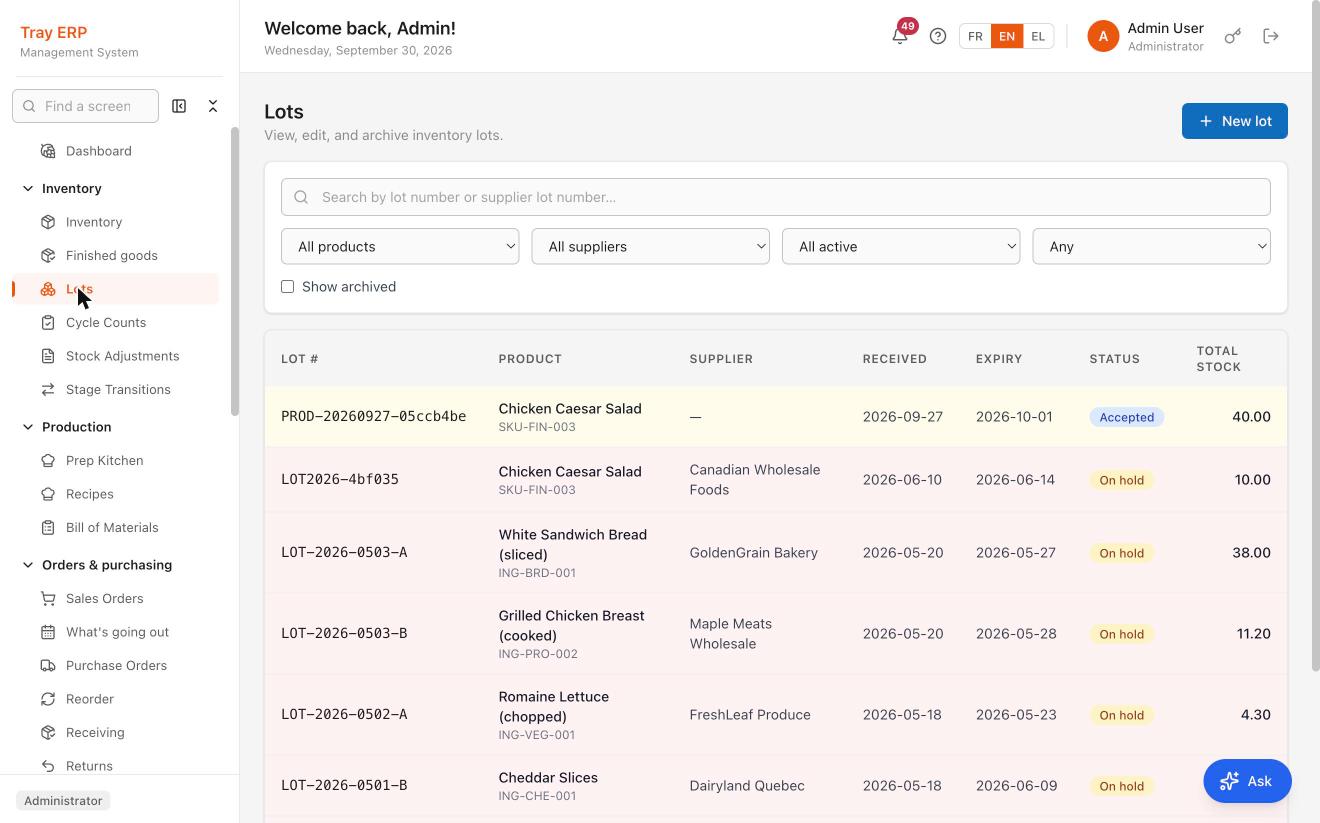
The Tray ERP Lots screen: a table listing each inventory lot with its lot number, product and SKU, supplier, received date, expiry date, hold status and remaining quantity. One production lot is Accepted; five ingredient lots are On hold.

Six lots, each carrying its supplier, received date and expiry. One production lot accepted, five ingredient lots on hold. Trace runs forward and backward from any row.

Insights

Ask your warehouse. Beta

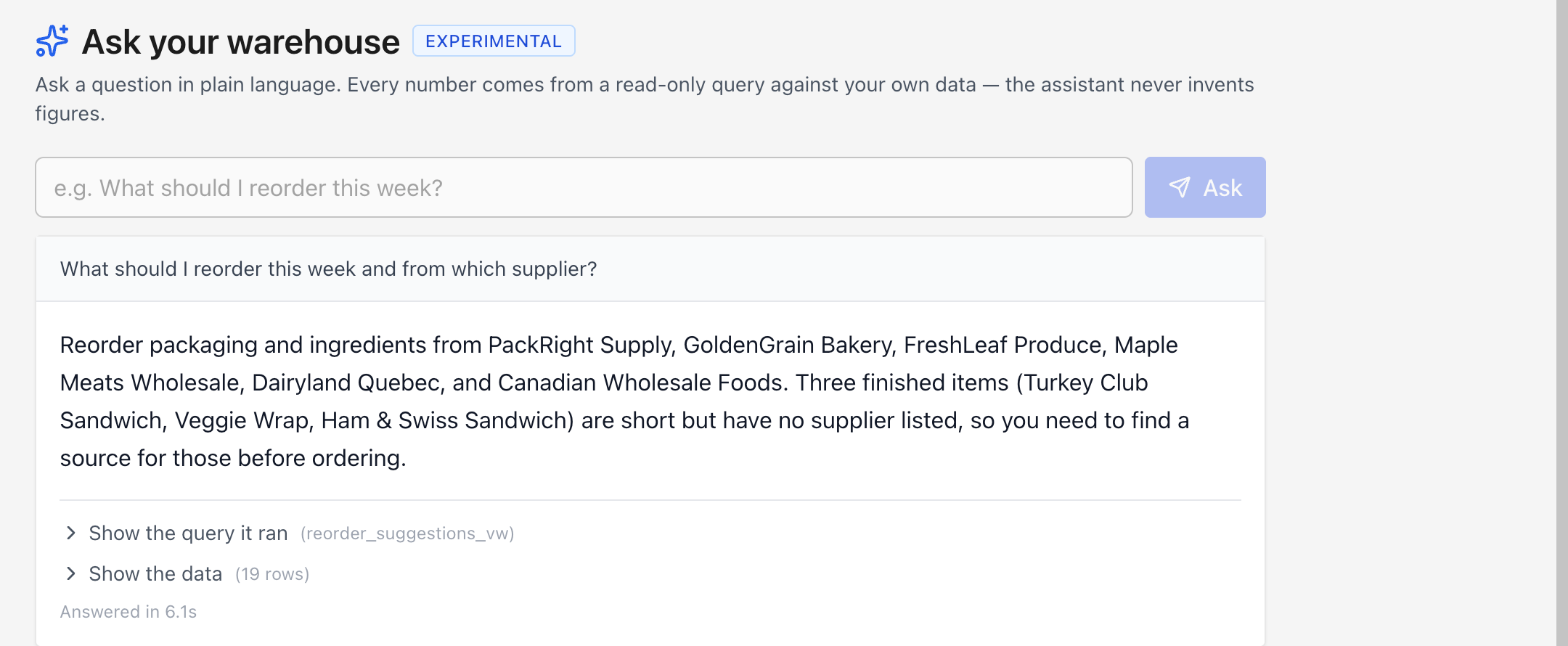
Ask a question in plain language and get an answer drawn from a read-only query against your own data. Every figure traces back to a query you can open and inspect. The assistant never invents numbers.

  • Shows the query it ran and the rows it read, every time
  • Read-only: it answers questions, it does not change your data
  • Says when your data is missing rather than filling the gap with a guess

In beta. Available to every administrator on your plan, and still changing based on what operators ask it.

The Ask your warehouse panel in Tray ERP. The question "What should I reorder this week and from which supplier?" returns a plain-language answer naming six suppliers to reorder from, and flags that three finished items are short but have no supplier listed. Below the answer are expandable links reading "Show the query it ran" and "Show the data (19 rows)", and the note "Answered in 6.1s".

Asked what to reorder this week, Tray named six suppliers in 6.1 seconds, then flagged three finished items it could not source, because no supplier is on file for them. The query it ran and all 19 rows it read are one click away.

Pricing

One product, every customer’s price.

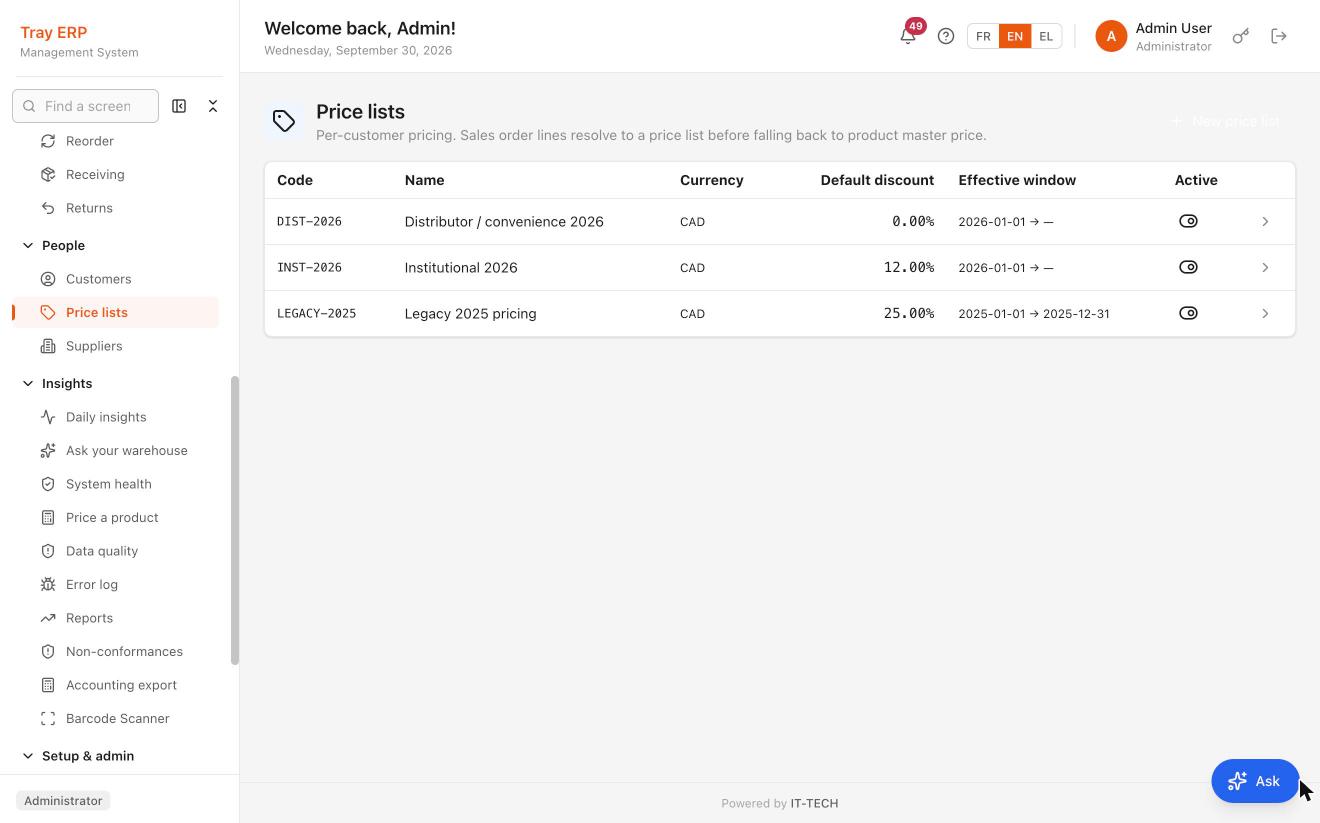
Distributors, institutions and legacy accounts each get their own ladder, with its own discount and its own effective window. Sales order lines resolve to the right list before falling back to the master price.

  • Dated windows, so last year’s pricing expires on its own
  • Per-list default discount, overridable per line
The Tray ERP price lists screen showing three per-customer price lists in Canadian dollars: Distributor / convenience 2026 and Institutional 2026, both effective from 1 January 2026 with no end date, and Legacy 2025 pricing which ran for the 2025 calendar year, each with its own default discount.

Three ladders in Canadian dollars: distributor and institutional pricing effective from 1 January 2026, and 2025 legacy pricing that expired on its own. Sales order lines resolve to the right list before falling back to the product master price.

Ready when you are

See Tray run
on your data.

A 20-minute walkthrough with your products, your suppliers, and a real lot trace. No slide deck. No hard sell. Just the workflows you’d use on day one.

14-day implementations White-glove migration Accounting export included

We’ll reply within one business day.